Playing Shiren 2
Shiren the Wanderer 2: Oni Invasion! Shiren Castle! developed by Chunsoft and released on Nintendo 64, received a modern fan translation in 2021 with programming by ozidual and translation by SharkSnack with contribution from KmbTos.
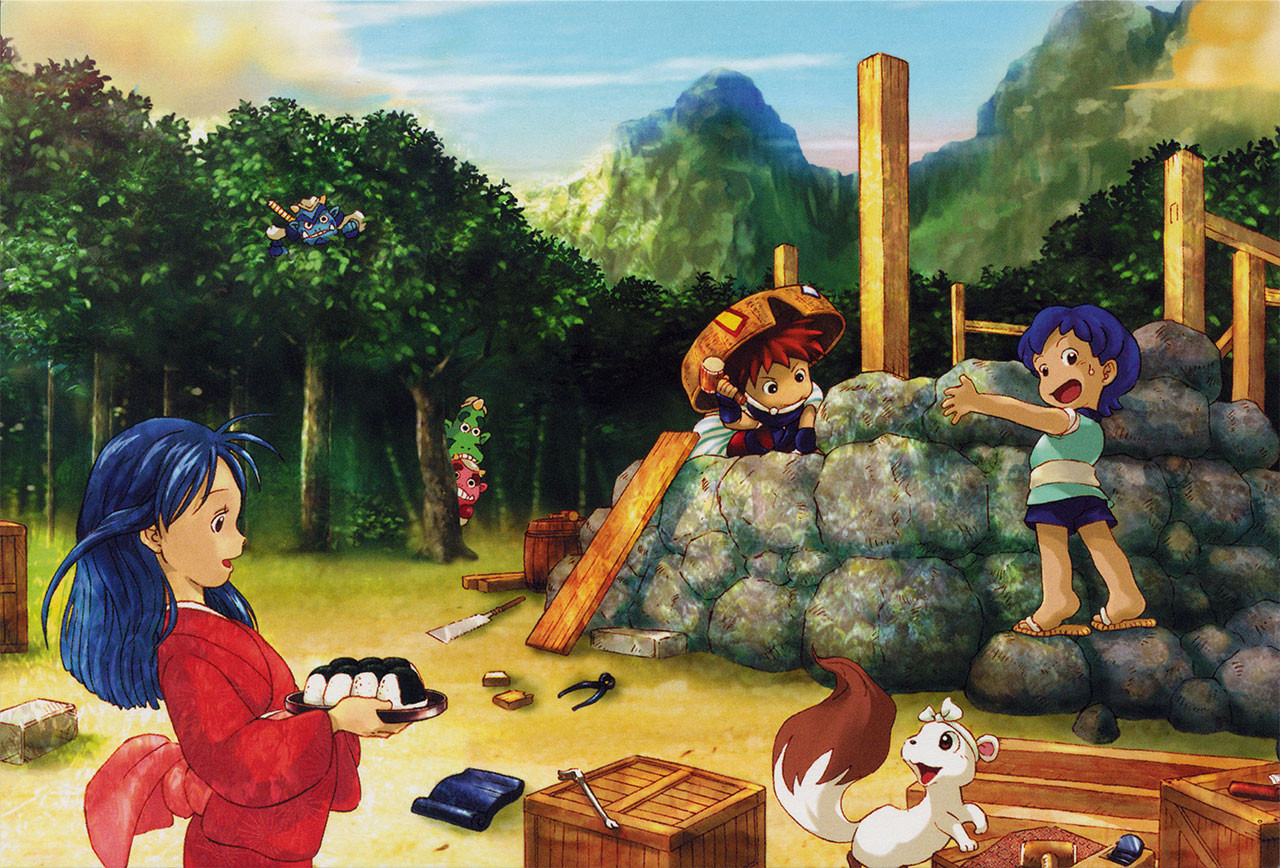
Anticipation of the patch sparked renewed enthusiasm for the series, and translator SharkSnack has continued to fan the flame with cross-cultural community projects and further translation projects.
Playing N64 games on modern platforms can be troublesome, especially for games off the beaten path including Japan-exclusive releases like Shiren 2. Suggestions for the best play experience follow. For a summary of findings, see Shiren 2 compatibility sheet.
Preparing a ROM
Dumping Guide Wiki provides instruction on tools and resources for backing up an N64 cartridge. Note that legality of personal backup and storage of game ROMs varies by region. For instructions to apply the English patch to a cartridge backup, see Shiren 2 Wiki FAQ.
Original console
The Shiren 2 ROM translation can be played on N64 console. For the best experience, the open source SummerCart64 flash cart is recommended. Proprietary EverDrive flash carts are also compatible.
EverDrive cart versions lower than X7 require manually launching the game with the Force SRAM save configuration, and holding Reset for several seconds to ensure progress is saved when a session is finished.
FPGA emulation
Several options exist for playing N64 games through FPGA emulation. For the best experience, the open source MiSTer FPGA project is recommended. The proprietary Analogue 3D also reportedly plays the Shiren 2 translation without issue using a SummerCart64 flash cart.
Note that MiSTer does not normally handle automatic saves in order to avoid corrupting external storage media. Ensure the autosave setting is on, and core settings are saved. With autosave on, MiSTer’s onscreen display needs to be opened by pressing OSD on A/V board, Home on gamepad, or F12 on keyboard to ensure progress is properly saved when a session is finished.
Software emulation
| Platform | Suggested Software | Alternatives |
|---|---|---|
| Windows | Project64 (see fixes) | ares, Gopher64 |
| Mac | ares | Gopher64 |
| Linux | ares | Gopher64 |
| iOS | Delta | RetroArch |
| Android | M64Plus FZ | RetroArch |
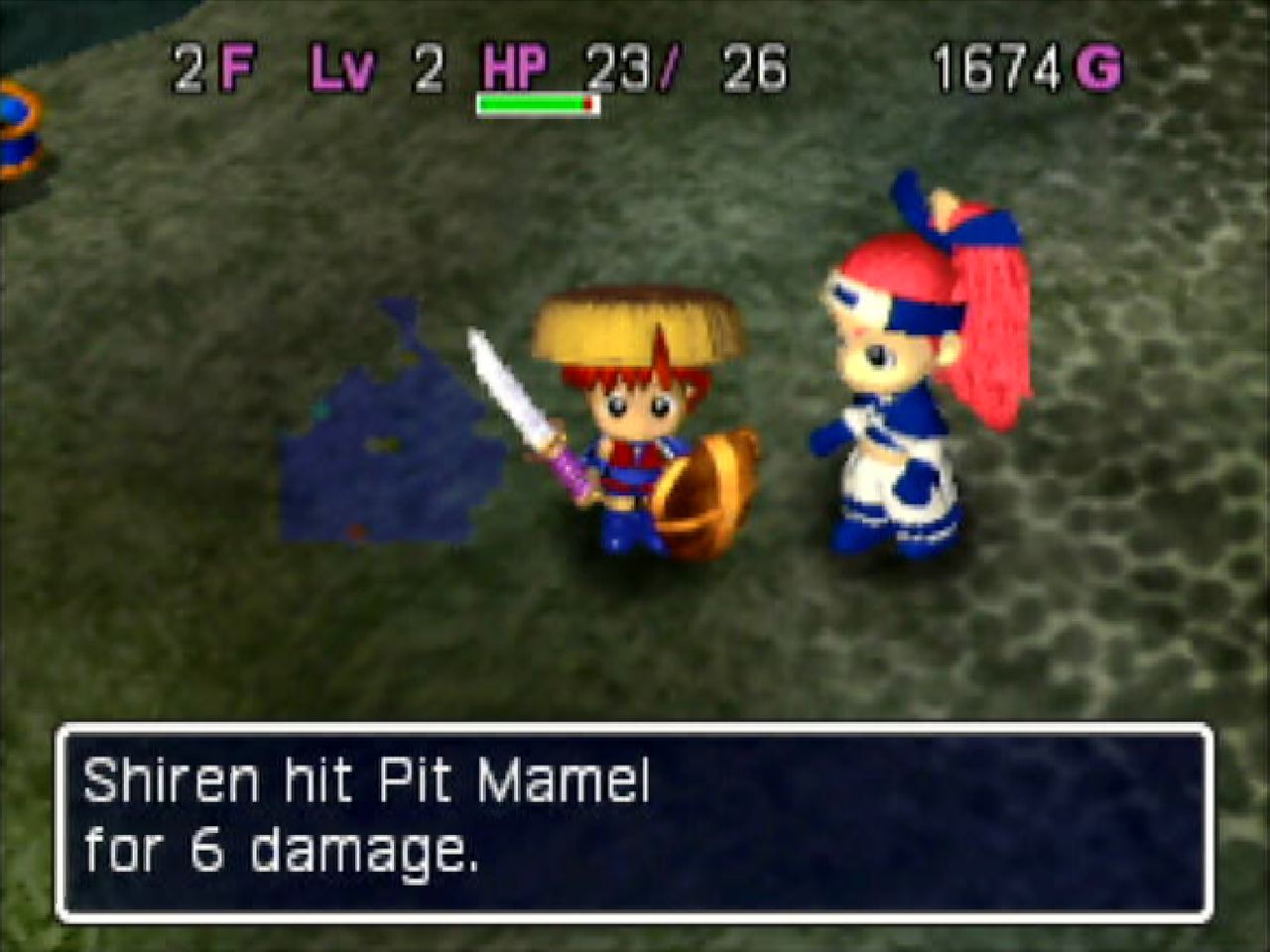
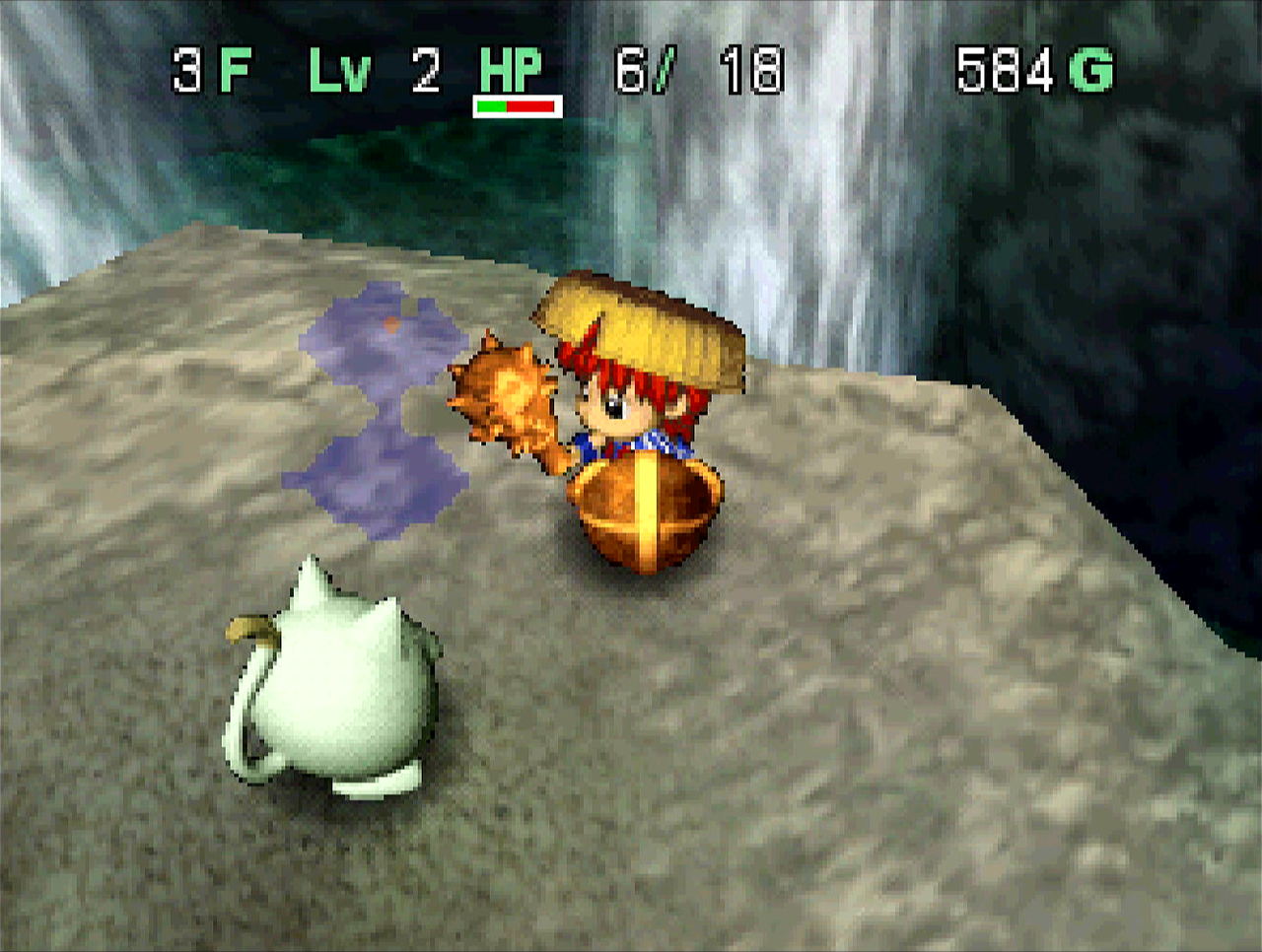
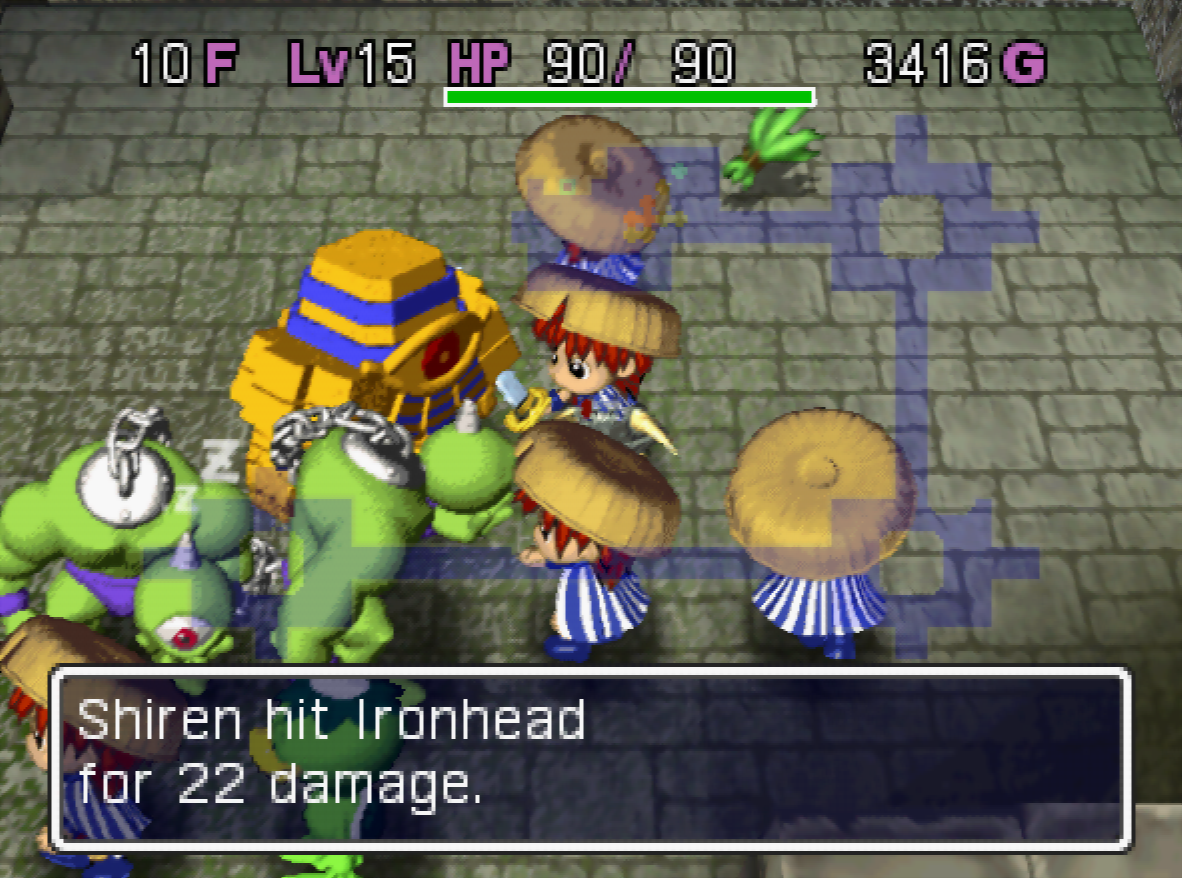
Shiren 2 frequently reads and writes to cartridge memory, meaning emulator save states do not work reliably, and using them may result in unrecoverable save issues. Additionally, certain emulator and plug-in combinations introduce graphics issues.
Project64
On Windows, the translation project was tested in development using Project64. By default, Project64 has minor graphics problems that require manual configuration to correct. Playing the Shiren 2 translation with Project64 properly configured should be a stable experience, even on older and lower power PCs.
Alternative emulators
Two newer N64 emulators are the accurate ares multi-system emulator, and the easily configured Gopher64 emulator. Built for newer PCs on Windows, Mac, and Linux, these emulators play the Shiren 2 ROM and its translation very well.
RetroArch
The quality of emulation for Shiren 2 using RetroArch varies by platform and core. On iOS and Switch, Retroarch is a good solution. On other platforms, it is typically a worse experience than standalone emulators. Default graphics plug-in GLideN64 has poor compatibility with Shiren 2. For the best experience, select ParaLLEl plug-in.
Mupen
As of mid-2026, standalone PC versions of the Mupen emulator do not play the original version of Shiren 2 or the translation patch correctly by default, having persistent loading, graphics, and save issues. This includes the Mupen core in Mac multi-system emulator OpenEmu, and standalone Windows forks such as RMG.
For best experience on Android using M64Plus FZ, change the Emulation Profile setting to Parallel vulkan renderer for before launching the game.
Handling saves
Shiren 2 supports backing up and restoring cartridge saves using the N64 Controller Pak from the game’s main menu. This allows for reliable and convenient migration of game saves between devices and emulators. Controller Pak Menu is also available for managing existing saves, by holding Start during console power on.
Save File Converter supports conversion between N64 console, MiSTer, and software emulator save formats.
For moving saves to-and-from console, open source BlueRetro hardware is recommended. The 8BitDo Retro Receiver and Hyperkin Admiral are alternative options. On flash carts, saves are stored on removable media, and the on-device ‘CPak’ manager may also be useful.

Get Bonus
Further detail for those curious: when asked about emulator accuracy affecting Shiren 2, patch programmer ozidual provided additional insight…
[On N64] the same system that handles saving and loading also handles Rumble Pak, RTC, saving to Controller Pak, saving to flash RAM and SRAM, and a bunch of other stuff.
It involves defining a small space in RAM, then setting a flag. The system hardware then steps in after a set amount of time and grabs the data from RAM to take it to the hardware that handles accessing the SRAM. That hardware then pulls data (loads) or dumps data (saves), and responds back to system hardware. The system hardware then puts stuff back into RAM. All of it has very specific timing, and if something happens out of order, mistakes will happen. Oh, and this process only handles 3-4 lines of data at a time.
I should add that there are a lot of black boxes there. I say “system hardware” and “hardware” for SRAM, but there are lots of little timing-specific handoffs along the way that are very important. So it isn’t about tweaking one little timing number to make everything perfect. For most games, you can get away with some sloppiness in coding timers, because there is a lot of time between requests to use the system.
Shiren 2 on the other hand, expects a well-timed factory. I have not traced it out at all, but my assumption is that it would have to save pieces of data all over the SRAM quite often. You move, it adds your latest move to the stack of moves (so it can recall them later), it checks if the stack of movement is full and if so, removes the oldest movement. You pick up an item, tracks that item in your inventory, tracks that you picked up an item, and makes sure to get rid of old recollection data.
Shiren 2 is sending data rapidly to all parts of the SRAM. If timing gets messed up and it’s trying to save an item to your inventory, instead it ends up adding garbage data to the recollection stack, or doing both! Shiren 2 doesn’t have a system to recover from SRAM issues, either. If something is wrong with SRAM, it clears it to start over. It is very possible that even a dirty cartridge connection could cause issues with Shiren 2, leading to save loss when playing on an original cart and system.
- Additional patch development notes can be found on the EverDrive Forums
- For a quick start, see “How to Get Started Playing Mystery Dungeon”
- Further information can be found on the Shiren 2 Wiki
If you are interested in discussion, consider joining the Shiren Discord community. Thanks to ozidual and meauxdal for reviewing an earlier draft of this article. Happy wandering!